
Phone:

Your business phone on your iPhone. One app, all your lines, wherever you are. Native iOS call integration, push notifications, and instant activation.
Activate your VoipPlus account in under a minute.
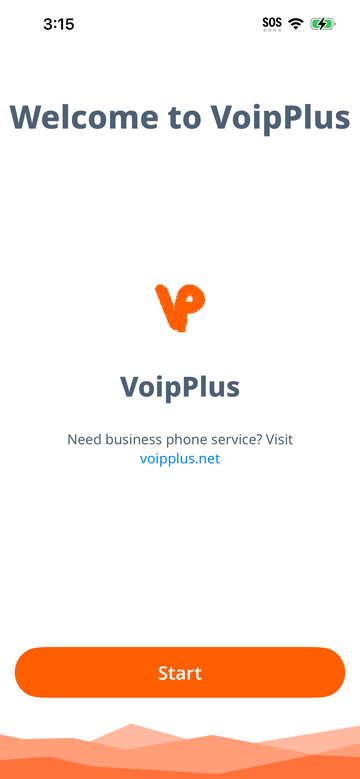
When you first open VoipPlus, you will see a welcome screen. Tap Get Started to begin setup.
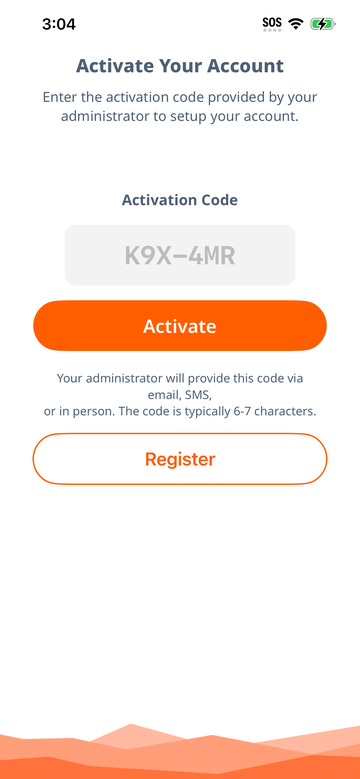
Your administrator will provide you with an activation code (for example: K9X-4MR). This code links your device to your business phone number and configures everything automatically.
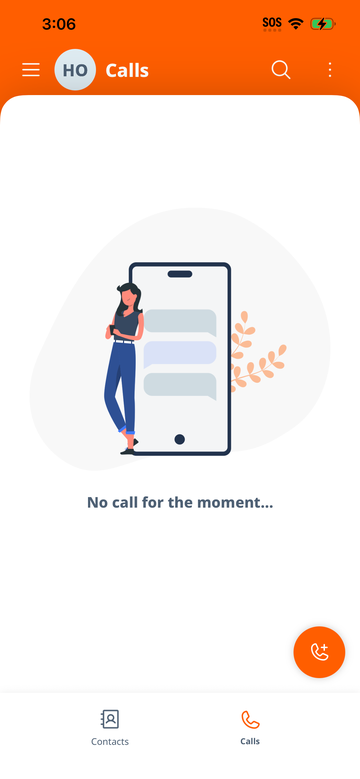
After activation, VoipPlus opens to the main screen. At the bottom, you'll find the navigation bar with quick access to the core sections:
Tap the menu icon (three horizontal lines) in the top-left corner to open the side menu. From here you can view your connected lines, add a new line, access settings, and reach this help page.
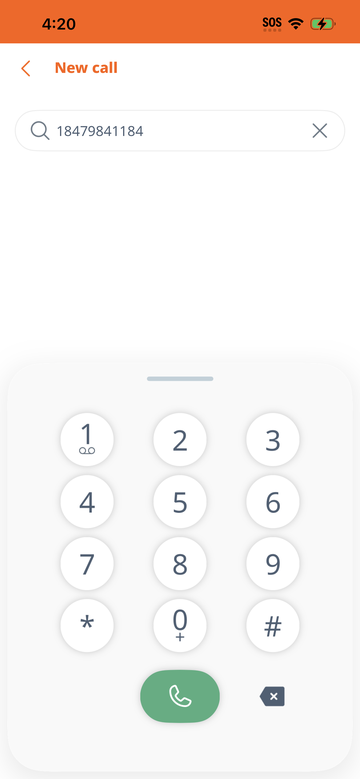
Dial any number from the built-in dialpad or your contacts.
Tap the Calls tab at the bottom of the screen. The dialpad appears at the bottom of the call history view. Type the phone number you want to call and tap the green call button.
You can start a call directly from the Contacts tab. Tap a contact, then tap the phone icon next to their number.
Tap any entry in your Call History to call that number again.
While on an active call, you have access to on-screen controls:
Never miss a business call — even when the app is closed.
VoipPlus uses push notifications to ensure you receive incoming calls at all times, including when:
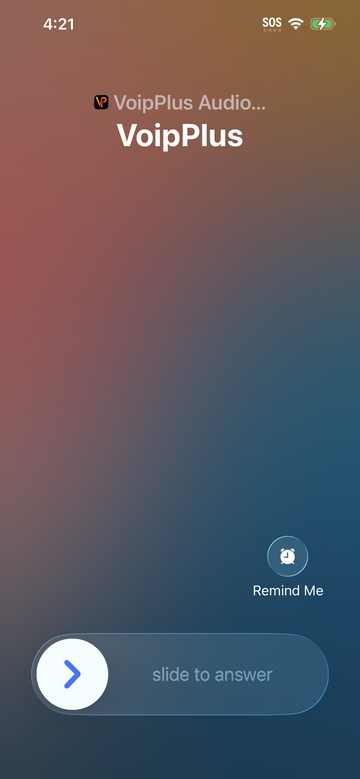
When someone calls your VoipPlus number, your company's server sends a push notification to your iPhone. The app wakes up instantly and presents the incoming call using the native iOS call screen (CallKit). You'll see the caller's name or number and can answer or decline just like a regular phone call.
VoipPlus works over Wi-Fi and mobile data (4G LTE / 5G). For the best call quality, use a stable connection. The app automatically handles network traversal (STUN/TURN/ICE) to maintain reliable audio across different network environments.
To check your voicemail, open the dialpad and long-press the "1" key. This immediately dials your voicemail box — the same shortcut you may be familiar with from traditional desk phones and mobile carriers.
Your voicemail extension is configured automatically during account provisioning. If long-pressing "1" does nothing, contact your administrator to ensure a voicemail extension has been assigned to your account.
The Calls tab shows a chronological list of all your incoming, outgoing, and missed calls. Each entry displays:
Missed calls are highlighted so you can quickly see what you need to follow up on. A badge counter on the Calls tab shows the number of unread missed calls.
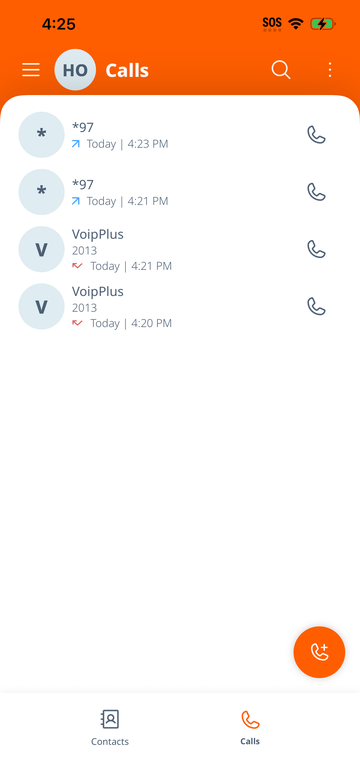
Tap any call entry to call back that number.
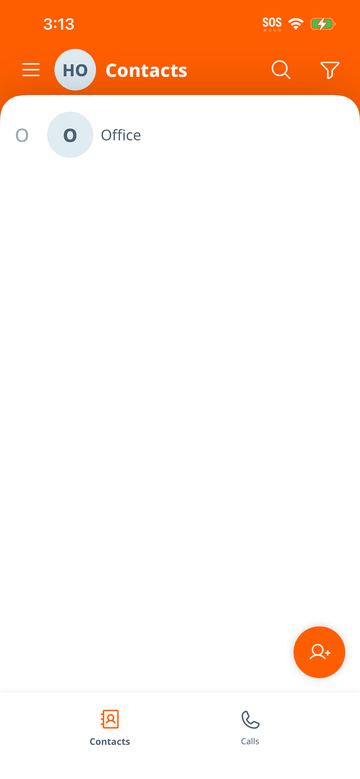
The Contacts tab lets you browse, search, and manage your contact list. You can:
VoipPlus supports multiple SIP lines on a single device. This is ideal for employees who handle calls for different departments, locations, or businesses.
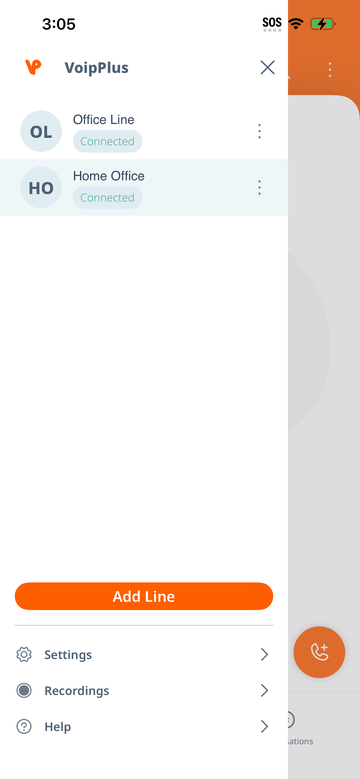
Open the side menu and tap the line you want to use as your primary outgoing line. The selected line will be used for all outgoing calls. Incoming calls ring on all connected lines regardless of which one is selected.
Open the side menu and tap Settings. Here you can adjust audio preferences, network settings, and more.
VoipPlus automatically refreshes your account configuration every 24 hours to ensure your settings stay up to date with any changes made by your administrator. This happens silently in the background.
If you experience an issue and need help from your administrator or VoipPlus support:
| Problem | Solution |
|---|---|
| "No connection" or red status | Check that your phone has internet access (Wi-Fi or mobile data). Try switching between Wi-Fi and data to see if the issue is network-specific. |
| Not receiving calls when app is closed | Ensure notifications are enabled for VoipPlus in Settings > Notifications. Also check that Background App Refresh is on in Settings > General > Background App Refresh. |
| Poor audio quality | Move to a location with a stronger network signal. Wi-Fi is generally preferred for call quality. |
| Activation code not working | Double-check the code with your administrator. Codes are case-insensitive but must be entered exactly. They may expire after a set period. |
Also available for Android
Android Setup Guide